
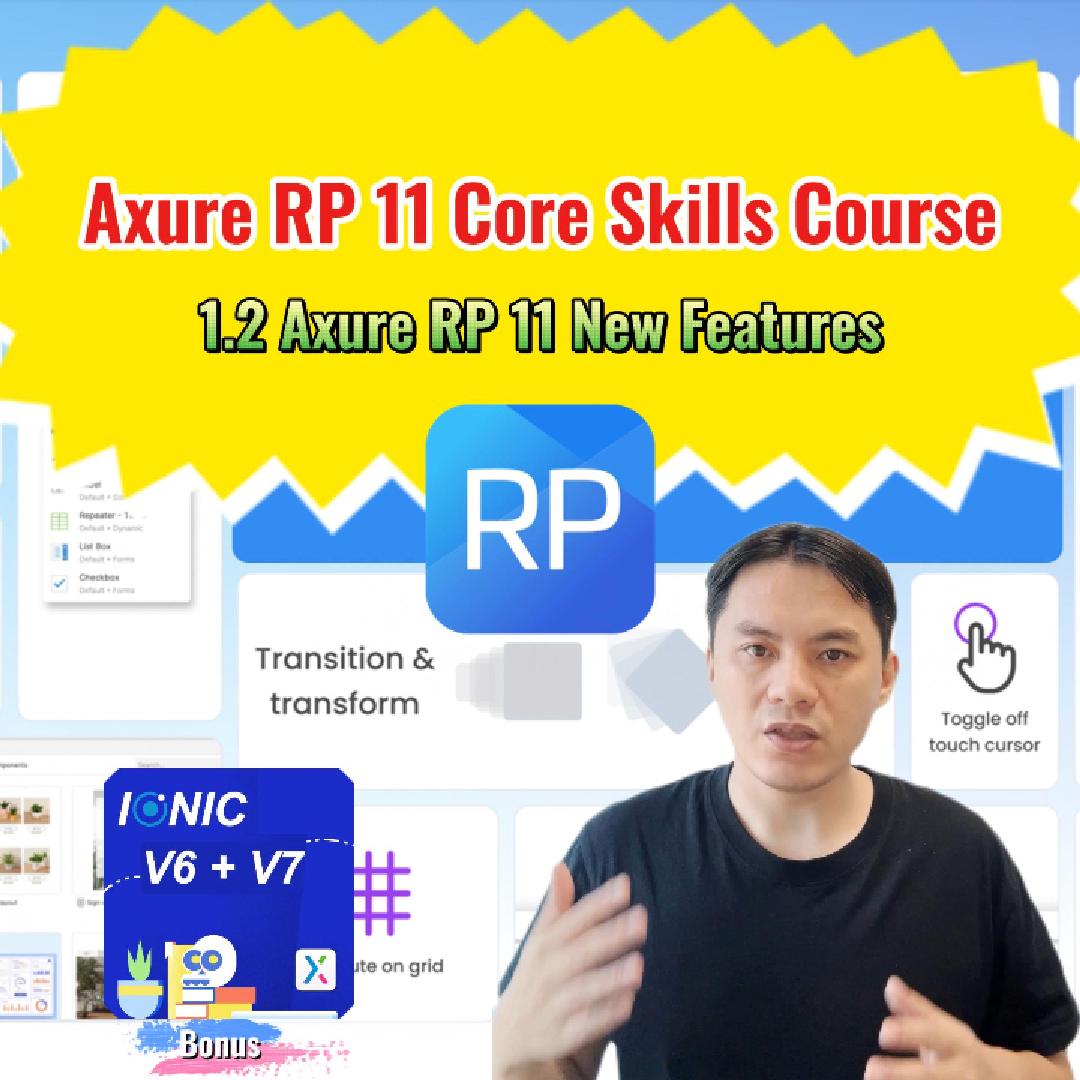
Axure RP 11 has introduced many new features built upon previous versions, making it even more powerful in UI/UX design. This demonstrates Axure RP's ambition to compete with tools like Figma and Sketch, offering an all-in-one solution for UI and UX design.
Key highlights include:
Press/Insert Widgets and Components: Quickly add widgets and navigate through pages effortlessly.
Gallery View: Get a comprehensive overview by viewing all pages simultaneously.
Apply Style Action: Dynamically change widget styles based on user interactions.
Disable Interactions: Gain control by preventing specific interactions.
Target Components and Component Events: Easily target components and access their events directly.
Ease and Animate Options: Enhance UI effects with new ease and scale animations.
Variable Changed Event: Use variables to streamline actions, ideal for data-driven prototypes.
Distribute on Grid & Equidistant Layout: Arrange widgets quickly for a balanced layout.
Swapping Position: Effortlessly swap the positions of widgets with drag-and-drop.
New Style Properties for Widget and Background Blur: Focus on important elements using blur effects.
Others:
Axure Libraries: /collections/libraries
Axure Templates: /collections/templates
Free Products: /collections/free
Axure RP 10 Course: /products/axure-rp-10-and-ux-core-skills-course
Axure RP 11 Course: /products/axure-rp-11-core-skills-course