
Introduction
In this tutorial, you will learn how to reference JavaScript to implement browser full screen mode.
Note: Click here to preview the completed prototype for this tutorial.
Demand
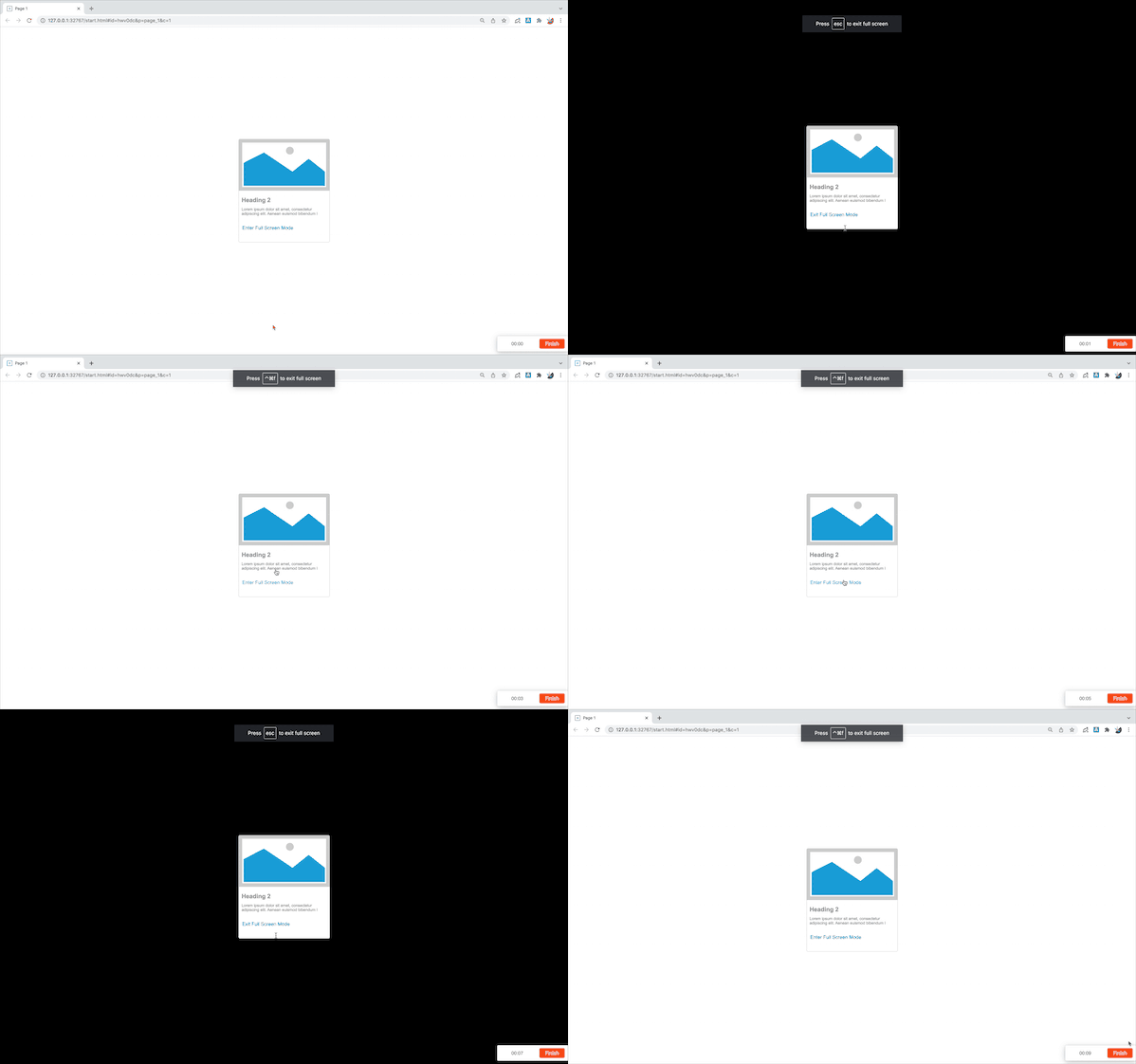
When we design large screen templates , we need to use the browser full screen mode to display the templates. Usually, we need to switch the browser full screen mode through F11 on the keyboard. However, many customers do not understand that full screen can be achieved through F11, which brings inconvenience to product design communication.
Now let's learn how to use JavaScript to implement browser full screen mode.
What is JavaScript and why we use it?
1. Widget Setup
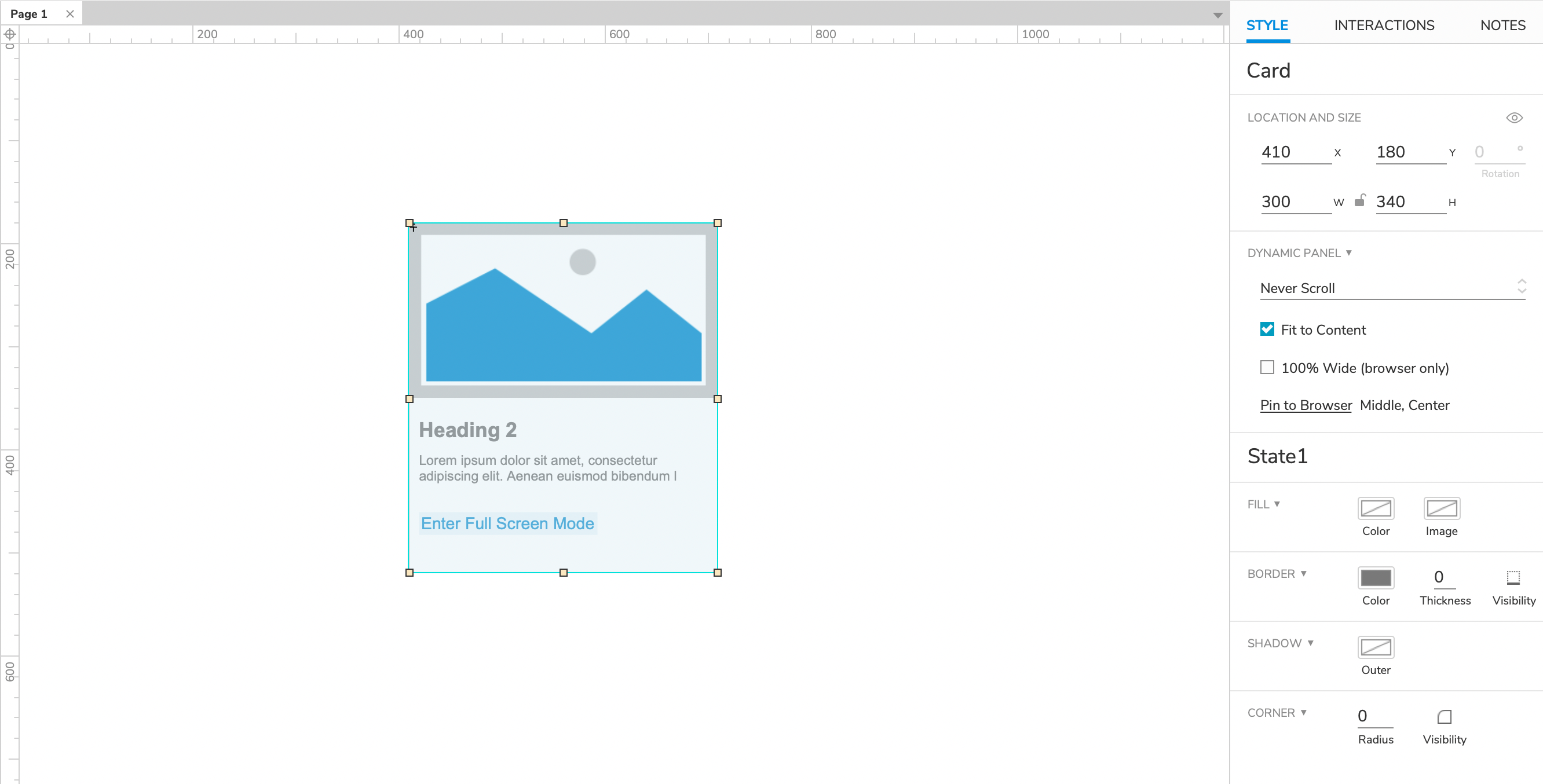
1. Design a card and create it as a dynamic panel, Then pin to brower: center and middle.
2. Use the button link to create a dynamic panel and name it Enter/Exit Full Screen Mode. The button text of state 1 is Enter Full Screen Mode, The button text of state 2 is Exit Full Screen Mode.
2. implement "Enter the Full screen mode when the button is clicked".
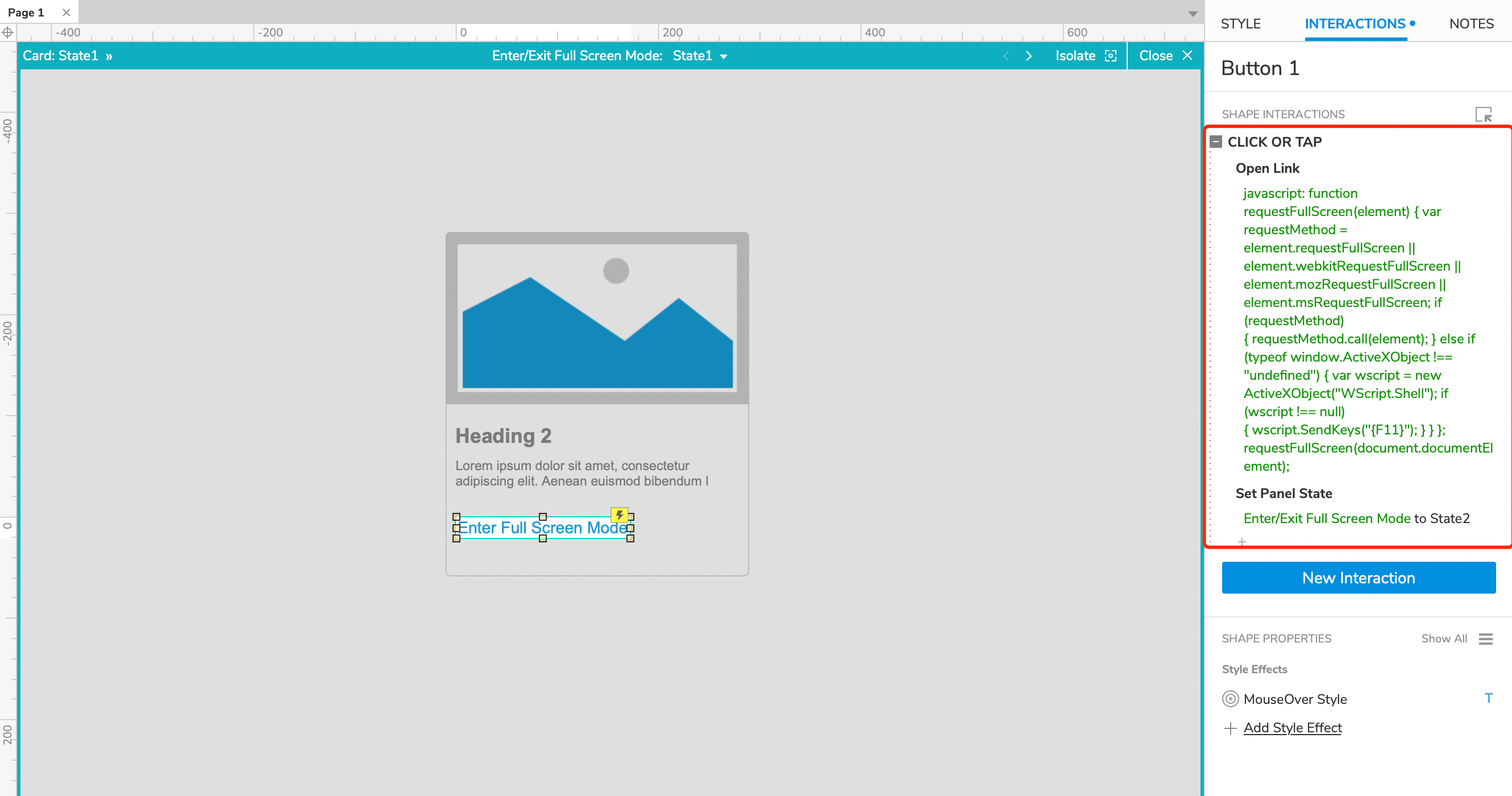
Click the Enter Full Screen Mode button in state 1 of Enter/Exit Full Screen Mode dynamic panel to set the click event: Open Link > link to external URL > Enter the below code in fx input:
javascript: function requestFullScreen(element) { var requestMethod = element.requestFullScreen || element.webkitRequestFullScreen || element.mozRequestFullScreen || element.msRequestFullScreen; if (requestMethod) { requestMethod.call(element); } else if (typeof window.ActiveXObject !== "undefined") { var wscript = new ActiveXObject("WScript.Shell"); if (wscript !== null) { wscript.SendKeys("{F11}"); } } }; requestFullScreen(document.documentElement);
3. implement "Exit the Full screen mode when the button is clicked".
Click the Exit Full Screen Mode button in state 2 of Enter/Exit Full Screen Mode dynamic panel to set the click event: Open Link > link to external URL > Enter the below code in fx input:
javascript: function exitFull() { var exitMethod = document.exitFullscreen || document.mozCancelFullScreen || document.webkitExitFullscreen || document.webkitExitFullscreen; if (exitMethod) { exitMethod.call(document); } else if (typeof window.ActiveXObject !== "undefined") { var wscript = new ActiveXObject("WScript.Shell"); if (wscript !== null) { wscript.SendKeys("{F11}"); } } }; exitFull();
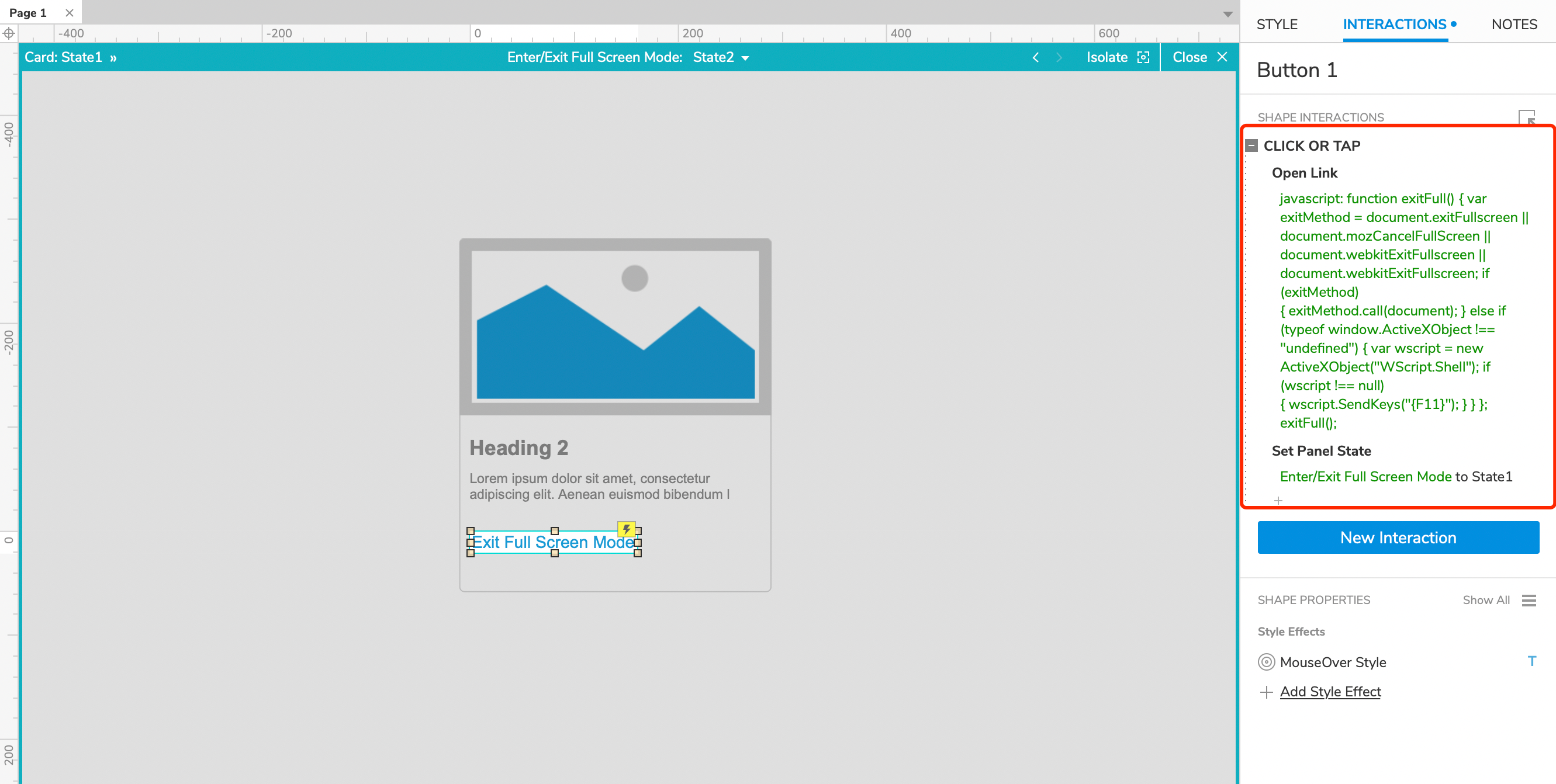
In this way, all the settings are completed. If you have any questions and suggestions, please leave a message.
If you like the article, please share it with others with page link, thanks for your supporting! ❤
Note: Click here to download the completed RP file for this tutorial.Well Joe @AxureBoutique, a technical writer and teacher, focuses on Axure prototype design and product design.