
Introduction
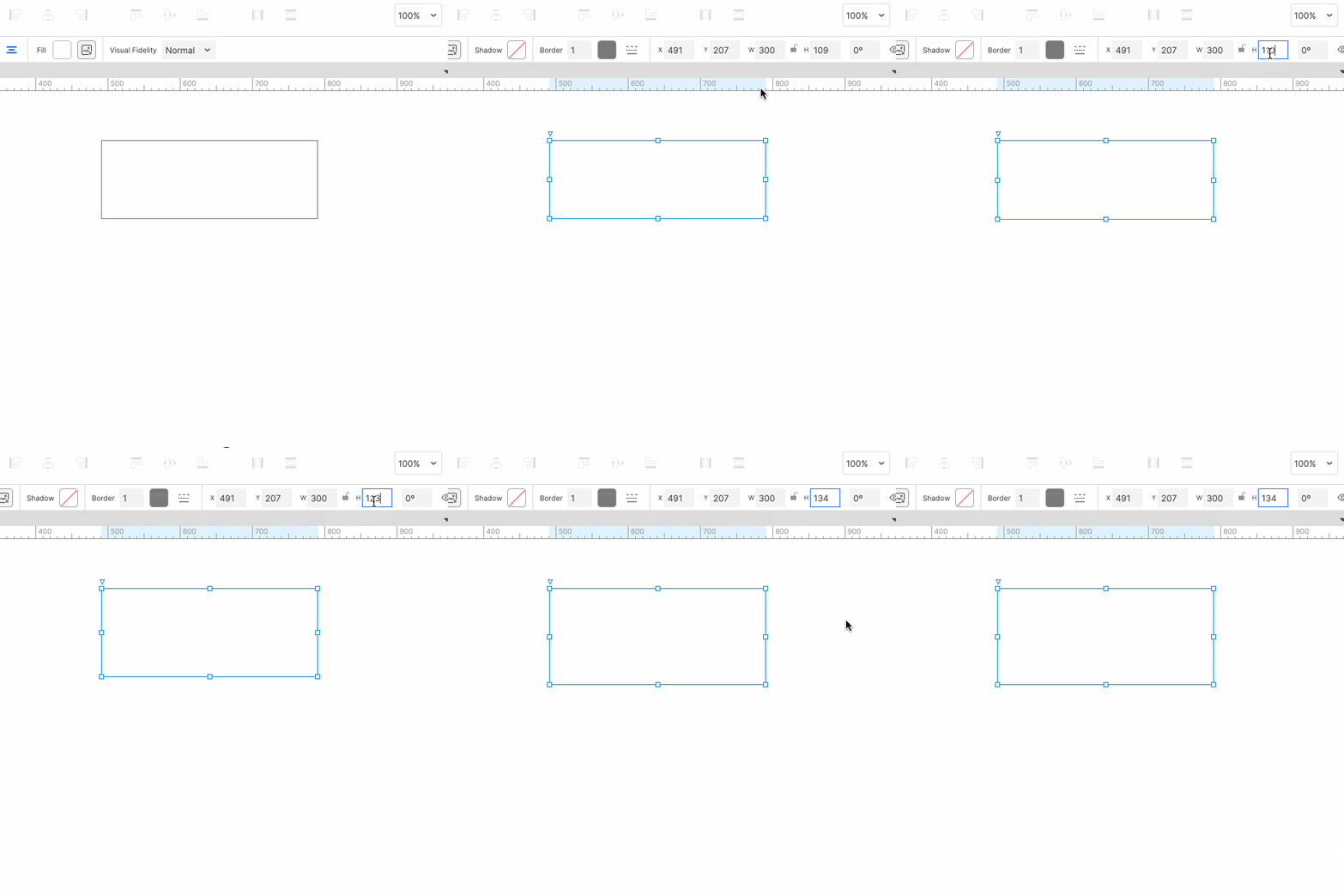
When making prototypes with Axure RP, you often need to adjust the size of widgets; Generally, we drag the border lines of the widget to achieve resizing. However, if the target area is relatively small, resizing is more laborious. It is either larger or smaller;
Try the arrow keys of the keyboard! Select the widget that needs to be fine-tuned in size or position, and then select the input that need to be fine-tuned, as shown in the below image, adjust the height of the widget:
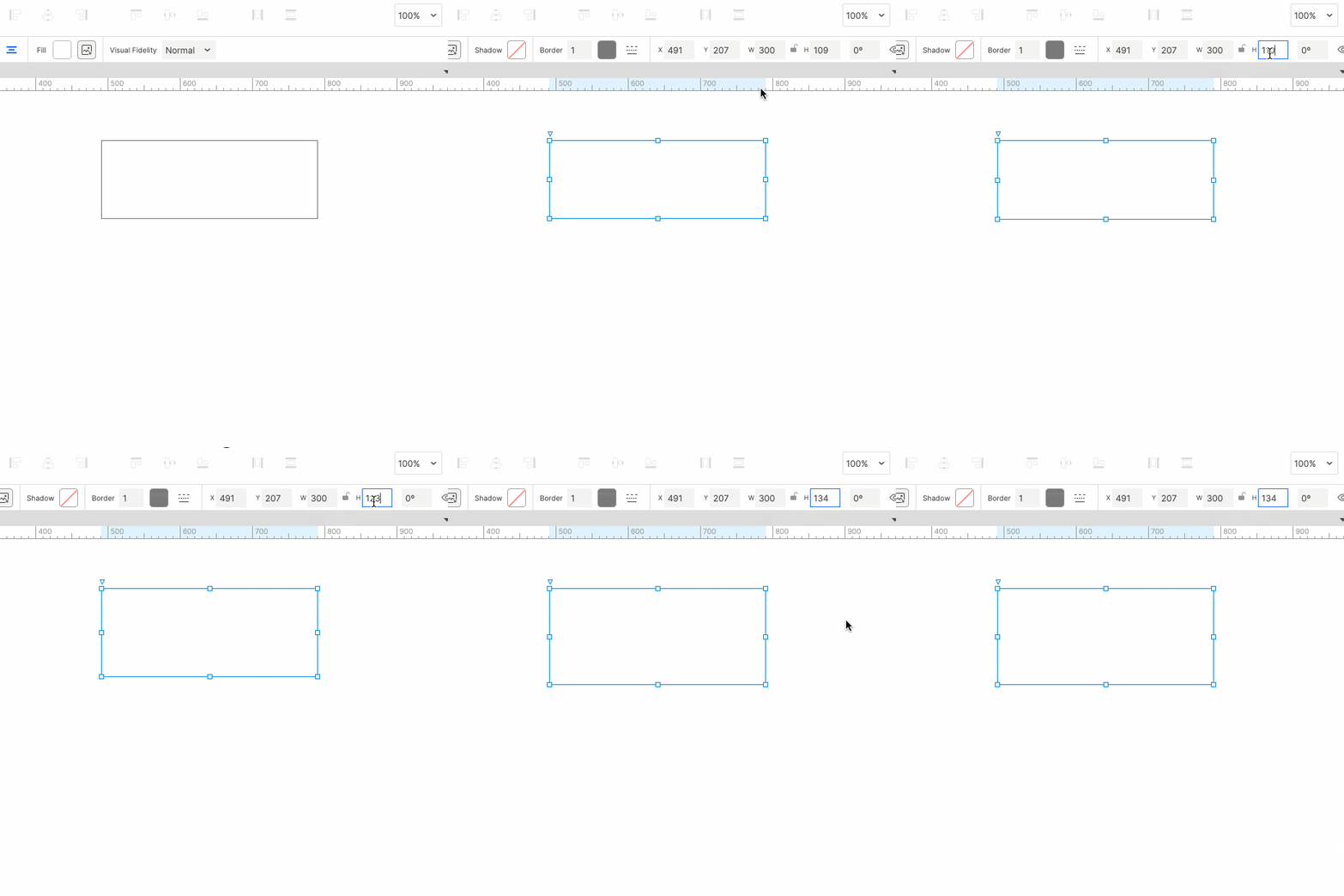
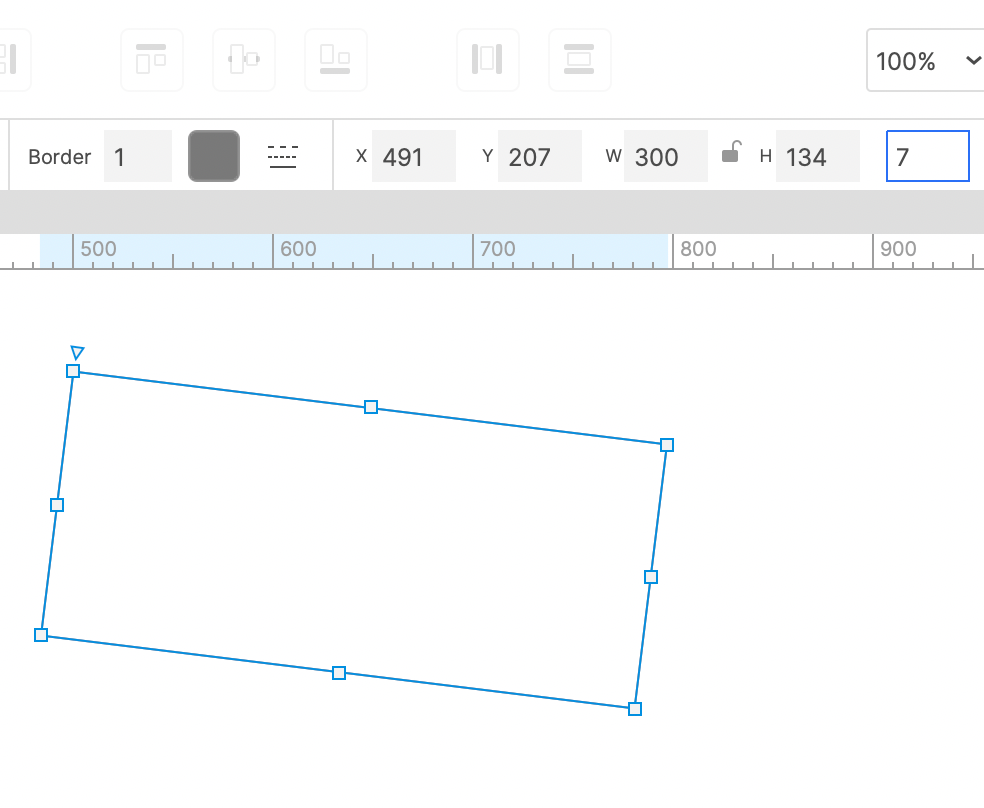
Other attribute values of the widget can also be adjusted by this method, such as the the X and Y coordinates and rotation of the widget.
If you have any questions and suggestions, please leave a message.
If you like the article, please share it with others with page link, thanks for your supporting! ❤
Well Joe @AxureBoutique, a technology writer and teacher, focuses on Axure prototype design and product design.