AXUREBOUTIQUE
Courses
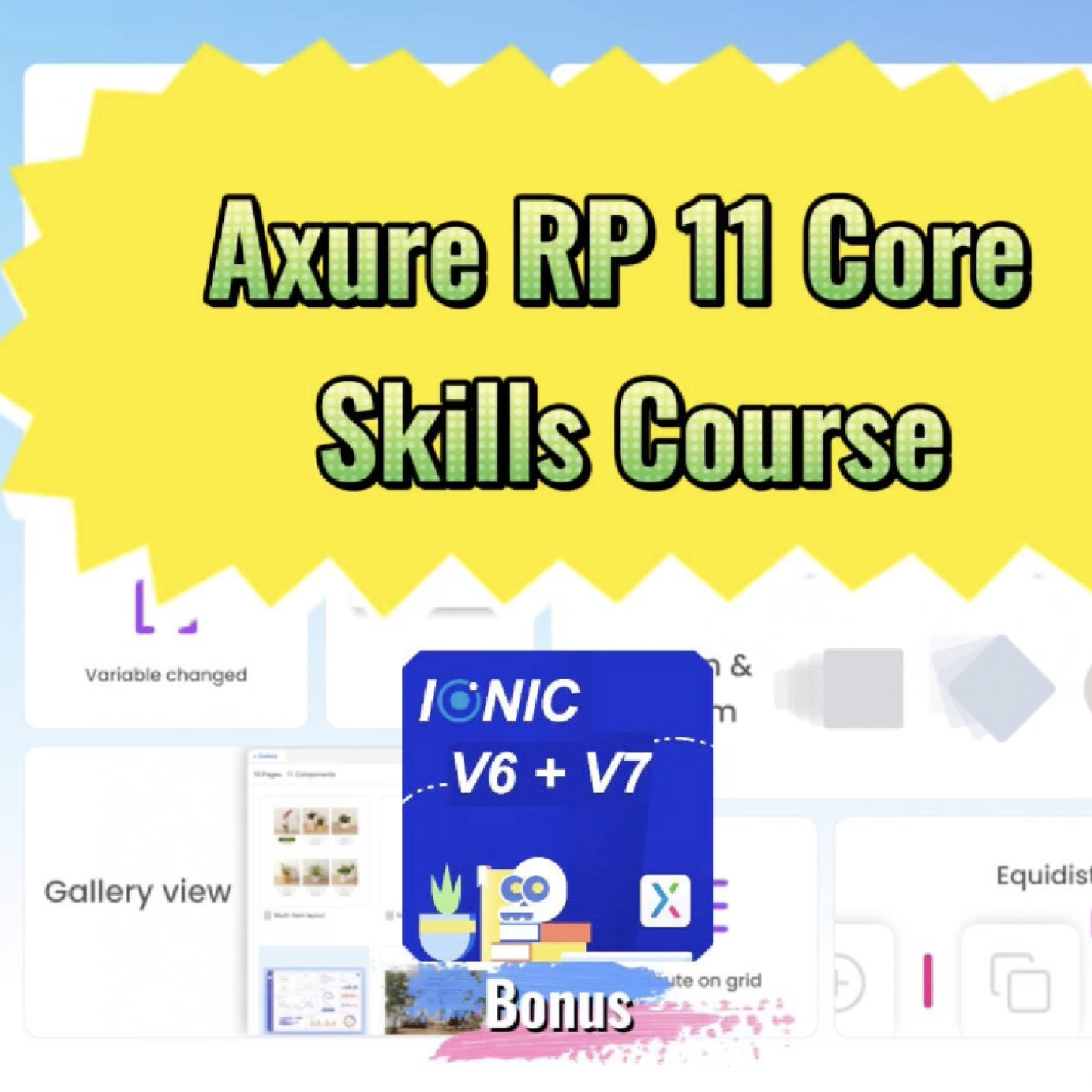
In this Axure RP 11 course, you’ll learn how to utilize this powerful prototyping tool, trusted by companies around the globe for over two decades. Axure RP 11 is widely recognized for enabling users to create detailed interactive prototypes quickly and efficiently. Whether you’re a UX specialist, product manager, business analyst, interaction designer, or developer, Axure RP 11 can help you bring your UI/UX ideas to life.
This course will guide you through the essential features of Axure RP 11, enabling you to swiftly create web, app, or software prototypes. It’s designed to build a solid foundation of skills that are crucial for advancing your career, whether you’re looking to land a new role or sharpen your existing prototyping abilities.
1.1 Course Introduction
1.2 Axure RP 11 New Features
1.3 Axure RP 11 Core Skills Course: 1.3 Course Bonus: IONIC Widget Library
2.1 Axure RP 11 installation and license purchase
2.2 Ten Minutes Quick Web&Mobile Prototyping
3.1 Enviroment Introduction
3.2 Customizing Environment
3.3 Dark Mode And Light Mode
5.1 Working with Files
5.2 Widget Library
6.1 Manipulating Pages
6.2 Page Settings
6.3 Adaptive Views
6.4 Case: Creating and Applying Page Styles
7.2 Group Operations
7.3 Widget Style
7.4 Widget Interactions
7.5 Widget Notes
7.6 Widget Style Manager
7.7 Case: Creating An Interactive button
7.8 Shape Operations
7.9 Widget Interaction: Events, Actions, and Conditional Logic
7.10 Case: Creating A Login Interlace
8.1 Dynamic Panel Basic Operations
8.2 View All Mode
8.3 Case: Creating A Collapsible List
9.1 Repeater Introduction
9.2 Repeater Interactions
9.3 Adding/Removing Filter to Repeater
9.4 Adding/Removing Sort to Repeater
9.5 Adding/Deleting Rows to Repater
9.6 Marking/Unmarking Rows to Repeater
9.7 Setting Pages to Repeater
9.8 Case Creating A Data-Driven Table
10.1 Component Operations
10.2 Case: Creating A Message List
11.1 Flowcharts: Quickly creating user flowcharts with rich flowchart controls
11.2 Case: Creating A Flow Chart
12.1 Publishing Project
13.1 Team Projects
13.2 Axure Cloud
14.1 Functions and Variables
14.2 Commonly Used Widgets
14.3 Customizing A widget Library
14.4 Creating A Common Navigation Framework
14.5 Creating A Mobile Navigation Frame
14.6 Jira, Confleenee, Slack, MS Teams Intergration
14.7 Figma, Sknteh, Adobn XD Intnrgration
The Advanced Section of this course covers the following key areas:
Bonus Included! With your course enrollment, you'll receive a complimentary Ionic Widget Library, featuring components in both Material Design and iOS styles. This is a great resource for anyone looking to speed up their prototyping process.
The course is taught by Fred Lee, a seasoned UX professional with over a decade of Axure experience, having contributed to projects across various industries and platforms.
Enroll Today! Don’t miss out on the opportunity to become proficient in Axure RP 11. Sign up now, and let's make your journey in UI/UX design faster and more effective!
Questions
After payment is confirmed, your download is available from the order confirmation page and in My Downloads. We also send access details to the email used at checkout.
Choose Individual for one user, Agency for a small team, or Enterprise for broad internal use. The purchase panel shows the price for each available license.
This product is delivered as a ZIP download. The files included are listed on this page and may vary by license.
No. You can check out as a guest. Creating an account lets you view orders and return to your downloads more easily.

Article
Learn practical ideas and methods from this 6 best ux training courses to elevate your design skills article to improve product design, UX work, and Axure prototyping.
Article
Learn practical ideas and methods from this axure rp 10 and ux design core skills course article to improve product design, UX work, and Axure prototyping.
Article
Learn practical ideas and methods from this axure rp 10 and ux design core skills course - 10.1 components article to improve product design, UX work, and Axure prototyping.